











Using a dedicated application instead of a mobile browser can provide faster access to betting markets, simpler navigation, and notifications for live events. The Sportbet app gives Nigerian users a mobile interface for browsing sports, checking odds, managing bets, and accessing account tools from an Android device.

After installation, the app opens from the phone’s home screen without requiring the user to enter a web address each time. This can be useful during live matches, although every wager should still be checked carefully before confirmation because odds and market availability may change.
Overview of Sportbet App
The application is a mobile sportsbook interface for prematch and in-play betting. Events can be organised by sport, competition, date, and market, helping users move between football, basketball, tennis, and other available categories.
Account functions may include registration, login, balance viewing, transaction records, bet history, and notification controls. The exact features shown can depend on the current release, account status, and location, so users should rely on the information displayed inside the official application.
Key Benefits of the Mobile Application
A mobile app can reduce the number of browser steps needed to reach an event or open bet slip. Touch-friendly controls and saved preferences also make it easier to revisit leagues, teams, or markets used regularly.
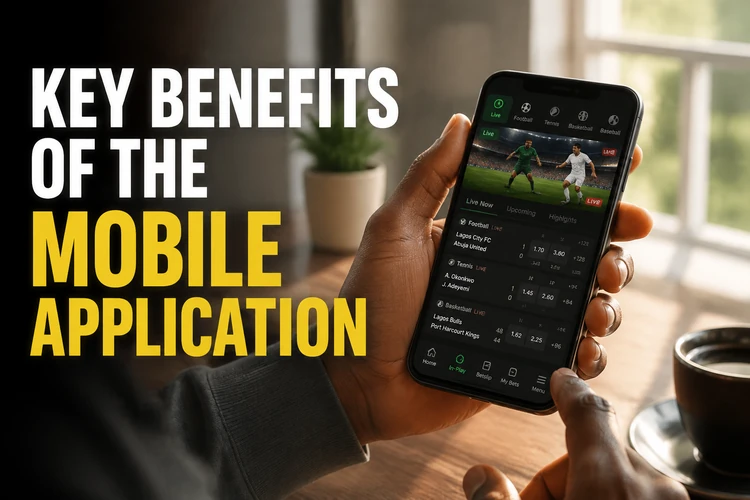
Notifications can provide updates about bet settlement or account activity when enabled. Users on limited mobile data should review background-data and notification settings, as frequent live updates can increase data and battery use.
How to Download Sportbet App
Begin on the official homepage using the Android device that will run the app. Check that the download control belongs to the site, read any version or compatibility details shown, and avoid files shared through messages or unrelated download pages.
- Start the APK download from the official source.
- Confirm that the device has enough free storage.
- Open Android settings if permission is required for the browser to install the file.
- Open the completed download and review the installation prompt.
- Launch the app, then sign in or follow the registration instructions.
Android may warn about applications obtained outside its app store. This is a standard safeguard, not a reason to ignore the source check. Grant installation permission only to the browser used for this download and remove that permission afterwards if it is no longer needed.
Installing Sportbet APK
An APK is the package Android uses to install an application. Before opening it, confirm that the filename and source match the information on the official website, and cancel the process if the device requests permissions that appear unrelated to the app’s stated functions.
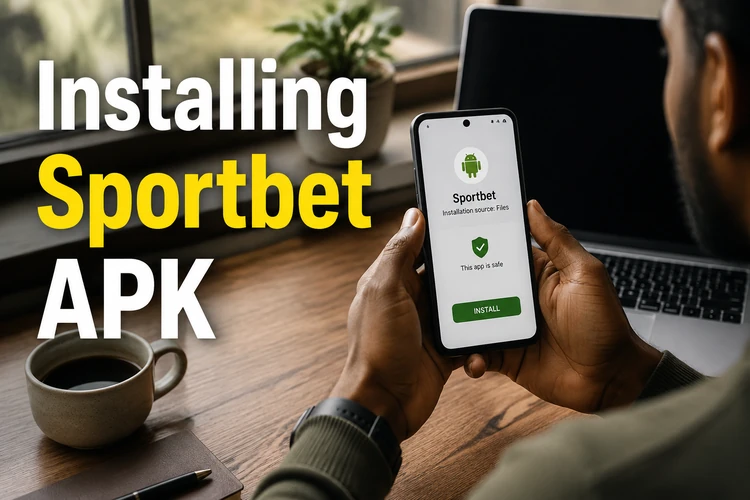
If installation fails, check available storage, delete the incomplete file, and download a fresh copy. A package conflict can occur when an older installation has a different signature; preserve any account details you need before removing an existing version.
Sportbet Lite Version
A Lite version, when offered on the official download page, is intended for phones with limited memory or slower connections. It generally prioritises compact layouts and reduced visual effects while retaining essential account and betting functions.
| Area | Standard version | Lite version |
|---|---|---|
| Visual presentation | More graphics and effects | Simplified interface |
| Device resources | May use more memory | Designed for lighter use |
| Mobile data | May load richer content | Usually reduces data use |
| Core markets | Subject to current release | Subject to current release |
Choose between versions using the current compatibility information displayed by Sportbet rather than relying on fixed file-size claims. The standard version may suit newer phones, while Lite can be practical when storage, memory, or network speed is limited.
Main Features
Existing customers can log in to their account with their registered details. New users should complete the requested identity and age checks accurately, while password recovery should be started only through the official login flow.
Prematch sections show events before they begin, while live betting covers eligible events already in progress. Review the event, market, selection, odds, and stake on the bet slip before confirming; a changing price may require fresh acceptance.
Balance, deposit, withdrawal, transaction, and bet-history tools may be available from the account area. Payment methods, processing periods, minimums, and limits should always be checked on the confirmation screen because they can vary.
Compatibility and Technical Requirements
Requirements can change between releases, so check the download page for the supported Android version and available file information. Leave additional storage beyond the package size for installation files, updates, and temporary app data.
A stable connection is needed to refresh odds and submit bets. If a network drops during confirmation, do not immediately repeat the wager; first check open bets and account history to see whether the original request was accepted.
Updating the Sportbet App
Updates may include security fixes, compatibility changes, and interface improvements. Use an update notice inside the app or return directly to the official website rather than following an unsolicited email or message.
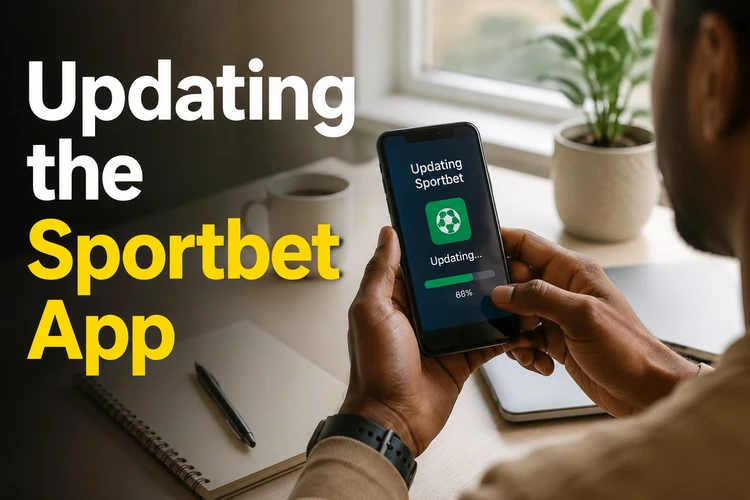
If an update will not install, restart the device, confirm there is enough storage, and download the package again over a reliable connection. Avoid clearing application data unless necessary, as doing so may remove local preferences and require another login.
Security and Safe Installation
Use a unique password and keep verification codes private. Do not install modified APK files, share account access, or approve payment requests you did not initiate. A screen lock and current Android security updates add useful protection if the phone is lost.
Review the amount, payment method, and recipient details before confirming a transaction. Suspicious account activity should be reported through the official contact page, followed by a password change from a trusted device.
Betting is for adults aged 18+. Set personal spending and time limits, avoid chasing losses, and visit the responsible gambling information if betting is becoming difficult to control.
Troubleshooting
If the APK does not download, test the connection, check browser download permissions, and confirm that storage is available. For a parsing or corrupted-file message, remove the partial download and obtain a new copy from the official source.
If the app will not open, restart the phone and install any pending Android updates. Slow performance may improve after closing unused apps or clearing the application cache; login problems should be handled through the official password-recovery process rather than repeated guesses.
FAQ
Open the official Sportbet website on your Android device and use the download control provided there. Save the APK, review any compatibility information, and follow Android’s installation prompts.
Use only the APK supplied through the official website. Check the source before installation, avoid modified files from third-party pages, and cancel if the requested permissions appear unrelated.
You can use the Lite version if it is currently offered on the official download page and supports your device. It is intended for lower-resource phones or slower mobile connections.
The application can be downloaded without a purchase charge. Real-money betting requires account funds, and users should review any transaction limits or fees shown before confirming a payment.
The app provides access to eligible in-play events and changing odds. Check every selection and price on the bet slip before confirmation, especially if the connection has been unstable.
Follow an update notice inside the application or obtain the current package directly from the official website. If installation fails, check storage, restart the phone, and download a fresh file over a reliable connection.