











This page helps you access your Sportbet account from anywhere in Nigeria. Whether you're using a desktop computer or mobile device, you'll find clear instructions for logging in, recovering your password, and solving common access problems. Your account gives you control over your bets, payment methods, and personal settings. Always use the official site to protect your information and avoid phishing attempts.
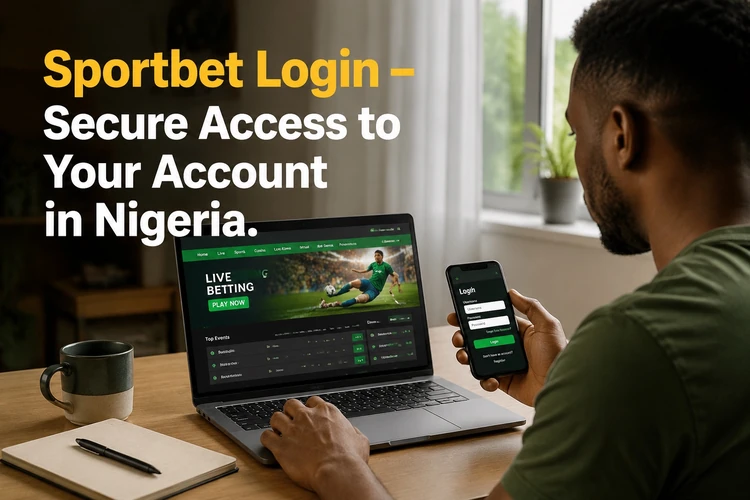
You'll need your registered phone number or email address and your password. If you don't have an account yet, complete registration before trying to sign in. Keep your credentials private, avoid saving them on shared devices, and change your password if you suspect that someone else has accessed the account.
How to Log In to Sportbet
The process is straightforward when your credentials are ready. Open the official Sportbet website in a current browser and check the address carefully before entering any personal information. Select the Login button, usually shown near the top of the homepage, to open the authentication form.
Enter the phone number or email address linked to your account in the first field. Type your password in the second field, paying attention to capital letters and spaces. Submit the form and wait for the account dashboard to load. If additional verification is enabled, complete the requested code or security step before continuing.
- Open the official website on your device.
- Select Login to display the sign-in form.
- Enter your registered phone number or email address.
- Type your password accurately.
- Complete any verification request and submit the form.
- Check that your account dashboard has opened before placing bets or starting a payment.
Sportbet Account Features
After authentication, the account dashboard shows information that helps you manage activity in one place. The balance display shows available funds and pending transactions. Betting history can include active, settled, and voided bets, with details such as stake, odds, outcome, and settlement time.
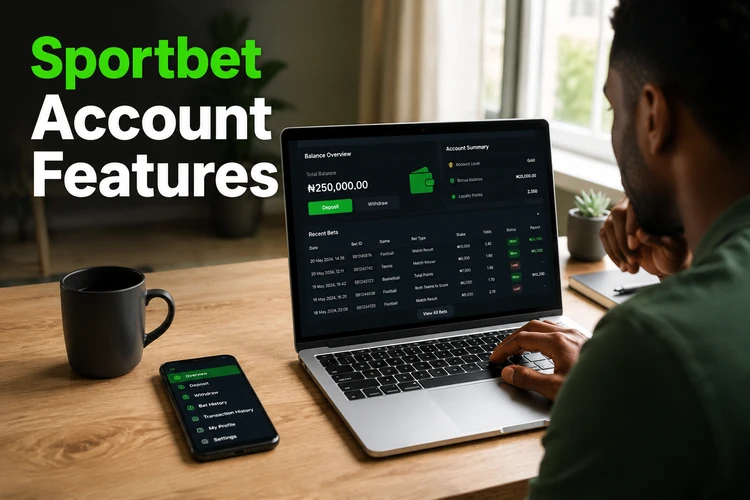
The payment history section records deposits and withdrawals, while profile settings allow you to update permitted personal details and notification preferences. Security settings may show recent login activity, connected devices, or password controls. Review these areas regularly so you can spot activity you do not recognise and keep your account information current.
Mobile Login
The mobile version works in a smartphone browser without requiring an app download. Open the browser, visit the official site, and select the login control. The page adapts to the screen, with larger touch targets and menus that are easier to use on Android phones and iPhones.
Mobile users follow the same basic steps as desktop users: enter the registered credentials, submit the form, and complete any verification request. A stable connection is useful during authentication, particularly when a security code must arrive by email or text message. You may save the site to your home screen, but avoid storing login details on a phone that other people can unlock.
Sportbet Login App
The dedicated application provides another way to access an account on a compatible device. Download the official app from the site rather than an unknown source, and check the publisher and requested permissions before installation.
An app can keep a session more consistently than some mobile browsers and may load frequently used interface elements faster. Use the device's normal security controls, such as a screen lock or supported biometric authentication. Install updates when they are offered because updates can address compatibility or security problems. If an app behaves unexpectedly, close it, check for an update, and use the browser version while troubleshooting.
Forgot Password
If you cannot remember your password, use the recovery link below the login form. Enter the phone number or email address registered to the account. A recovery link or code may be sent within a few minutes; check the spam or junk folder if the message does not appear.
Follow the instructions on the recovery page and create a new password that you have not used elsewhere. Use a mixture of letters, numbers, and symbols, but avoid information that is easy to guess. Never share a recovery code or temporary password with anyone claiming to provide support. After resetting the password, sign in again and review recent account activity.
Register a New Account
New users must complete registration before they can access an account. The form may request a phone number, email address, and basic personal information, followed by creation of a password. Enter accurate details and read the applicable terms before submitting the form.
Registration is different from login: registration creates a new profile, while login verifies an existing one. Do not open another account simply because you cannot remember the original credentials. Try password recovery first, and contact customer support if you cannot identify the account details or receive the recovery message.
Common Login Problems and Solutions
An incorrect password is a common reason for failed access. Check Caps Lock, remove accidental spaces, and type the password again carefully. If it still fails, stop repeated attempts and use the recovery process to avoid a temporary security lock.
An incorrect username can occur when an account was created with a phone number rather than an email address, or the other way around. Try the credential type used during registration. If the connection drops, restart the router or switch between Wi-Fi and mobile data, then reload the page once the connection is stable.
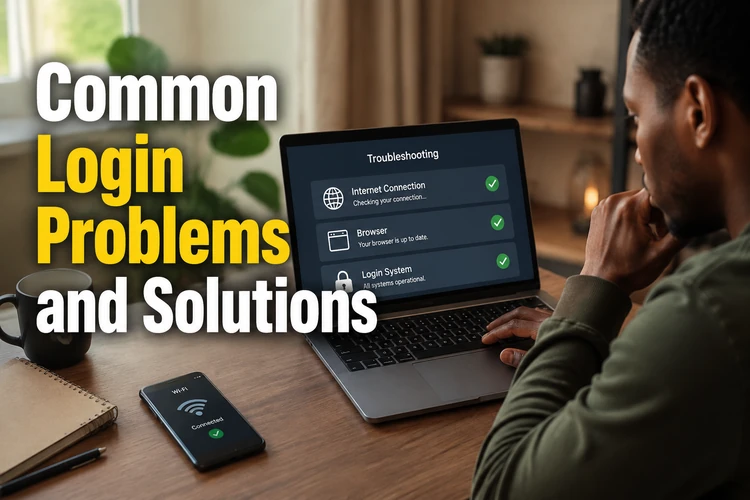
Outdated browsers can prevent the form from loading correctly. Update the browser or test the page in another current browser. If buttons remain unresponsive, clear cached files and cookies through the browser's privacy or history settings, restart the browser, and try again. Remember that clearing cookies may sign you out of other websites.
Temporary maintenance can also interrupt access. Look for an on-site notice and try again later instead of repeatedly submitting the form. If an account has been locked after several failed attempts or unusual activity, contact support and provide only the information needed to verify ownership. Do not send your password by email or chat.
Safe Login Recommendations
Use a unique password of at least eight characters, with a mixture of upper- and lower-case letters, numbers, and symbols. A longer passphrase can be easier to remember while remaining difficult to guess. A password manager can create and store unique credentials without requiring you to write them down.
Shared computers and public Wi-Fi increase the risk of session theft. If you must use a shared device, do not save the password, avoid leaving the account open, and log out fully when finished. Keep your phone and browser updated, and use a screen lock that other people cannot easily bypass.
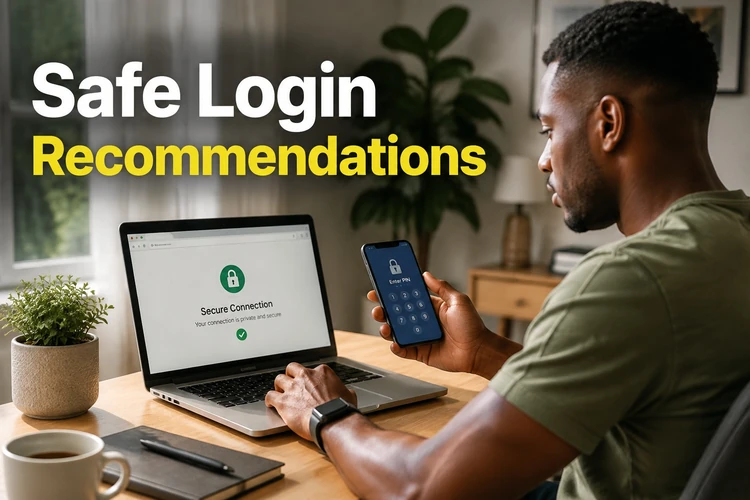
Before entering credentials, verify the address in the browser bar and look for the correct secure connection indicator. Do not follow unsolicited login links in messages or emails. If you notice unfamiliar activity, change the password from a trusted device, sign out of other sessions if that option is available, and report the issue through the site's support channel.
Frequently Asked Questions
Open the official website, select the login button, and enter the phone number or email address registered to your account. Add your password, complete any requested verification, and submit the form.
Yes. A smartphone browser can be used on Android and iPhone devices, and the mobile layout adapts the form and dashboard to a smaller screen.
Select the recovery link below the login form, enter your registered contact details, and follow the link or code you receive. Then create a new password that is not used on another service.
Yes, if you have a compatible device and the official application is available. Install it only from the site's app page or a trusted app source, and keep it updated.
Check the credential type, password spelling, internet connection, browser version, cookies, and cache. If access remains blocked, wait for any maintenance to finish or contact customer support.
You can improve account security with a unique password, an updated device, a screen lock, and any additional verification options available in the account settings. Never share your password or recovery codes.